Back to All Machines
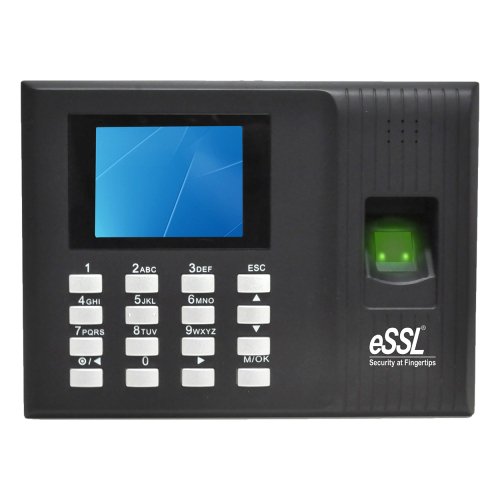
Finger Print
ESSL K90 Pro
₹6,000
+ GST & Courier Charges
Fingerprint Time & Attendance with Access Control System. Compact and reliable.
Firmware Update Recommended
This model requires a specific firmware version to support the GymForce Auto-Block feature. Contact our support team for verification.
Technical Specifications
Capacity & Performance
- Fingerprints
- 800
- Face Capacity
- N/A
- Card Capacity
- 800
- Log Storage
- 80,000
Hardware Details
- Fingerprints Capacity
- 800
- Card Capacity
- 800
- Fingerprint sensor
- 500 DPI Optical Sensor
- Identication Speed
- <= 1sec
- Algorithm Ver
- 10
- Communication
- TCP/IP, USB-host
- Power Supply
- 12V DC, 1.5 Amps
- Operating Humidity
- 20% - 80%
- Dimension
- 185 x 140 x 30mm
- Transaction Storage
- 80,000
- Push Data
- Yes
GymForce Setup Guide
1
Change Server Address: Main Menu >> Comm. >> Cloud Server Settings. Enable Domain Address: True, Server Address: essl.ndgms.com:86
2
Check DHCP Setting: Main Menu >> Comm. >> Ethernet/Wireless Network. DHCP: True
3
Share Device/Cloud ID: Main Menu >> System Info/About >> Device Info >> Device ID